get facelock


facelock
lock any app
pick the apps you want private, messages, notes, photos, your banking app, and they open only when facelock sees your face.

Locked Apps
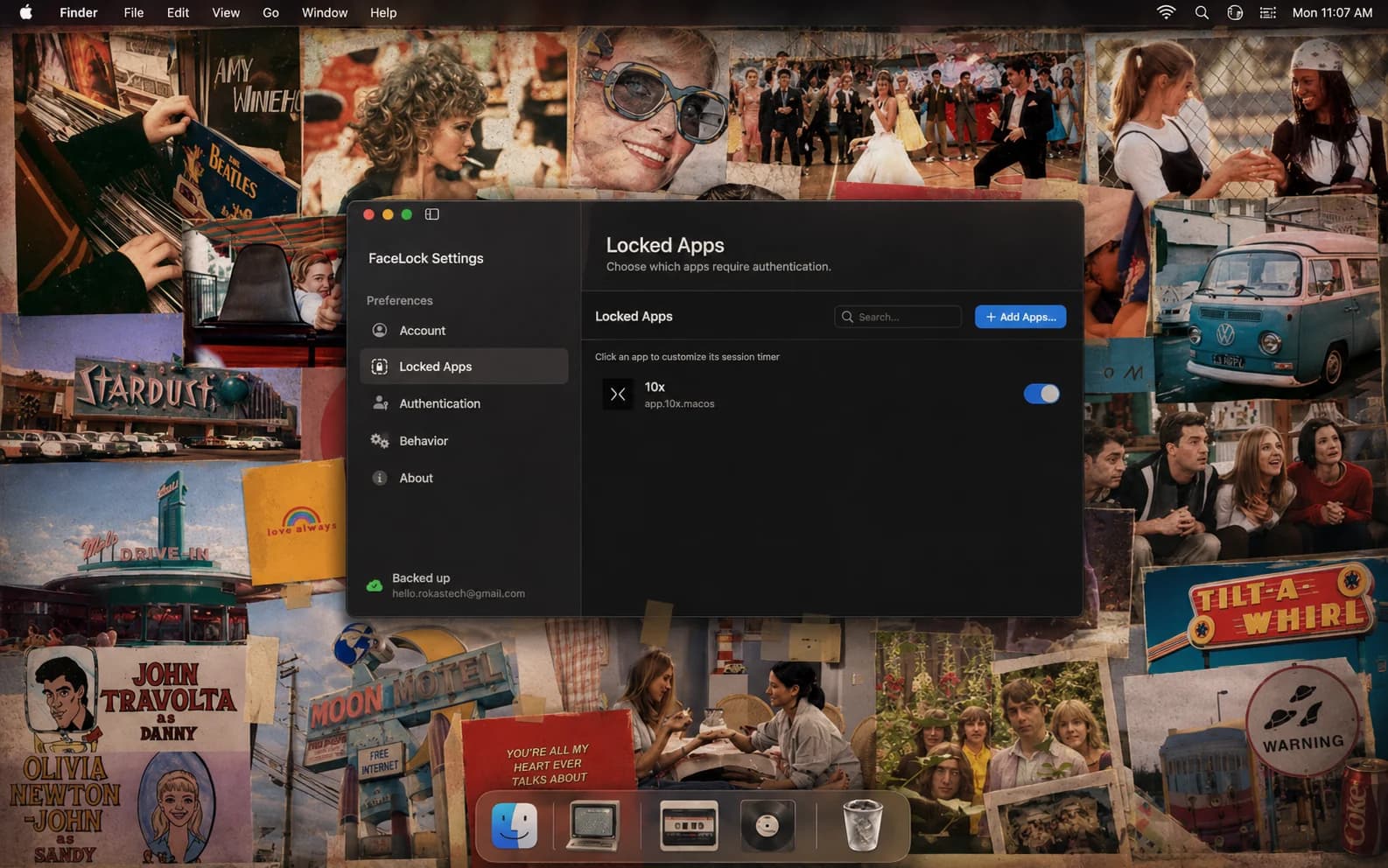




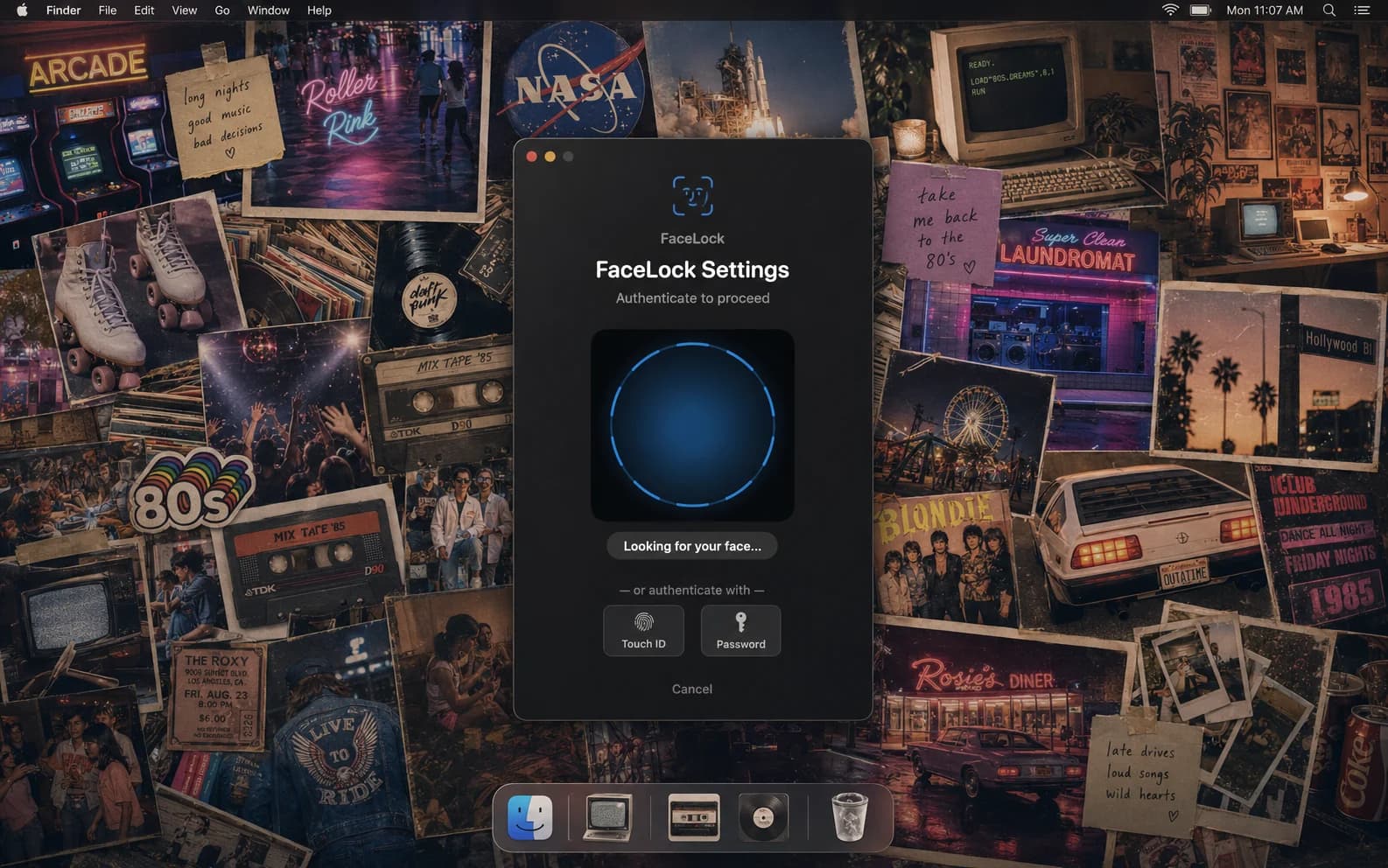
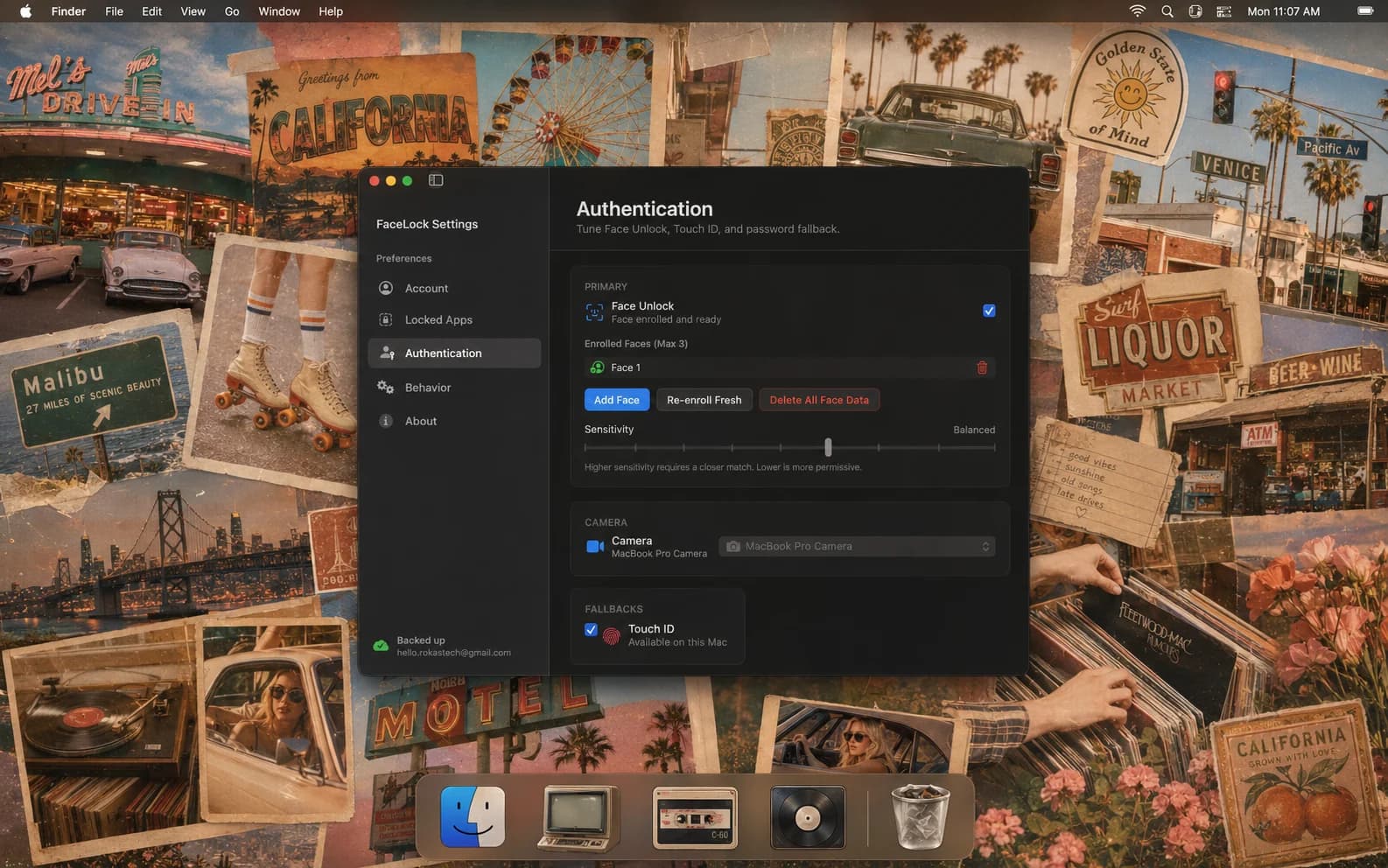
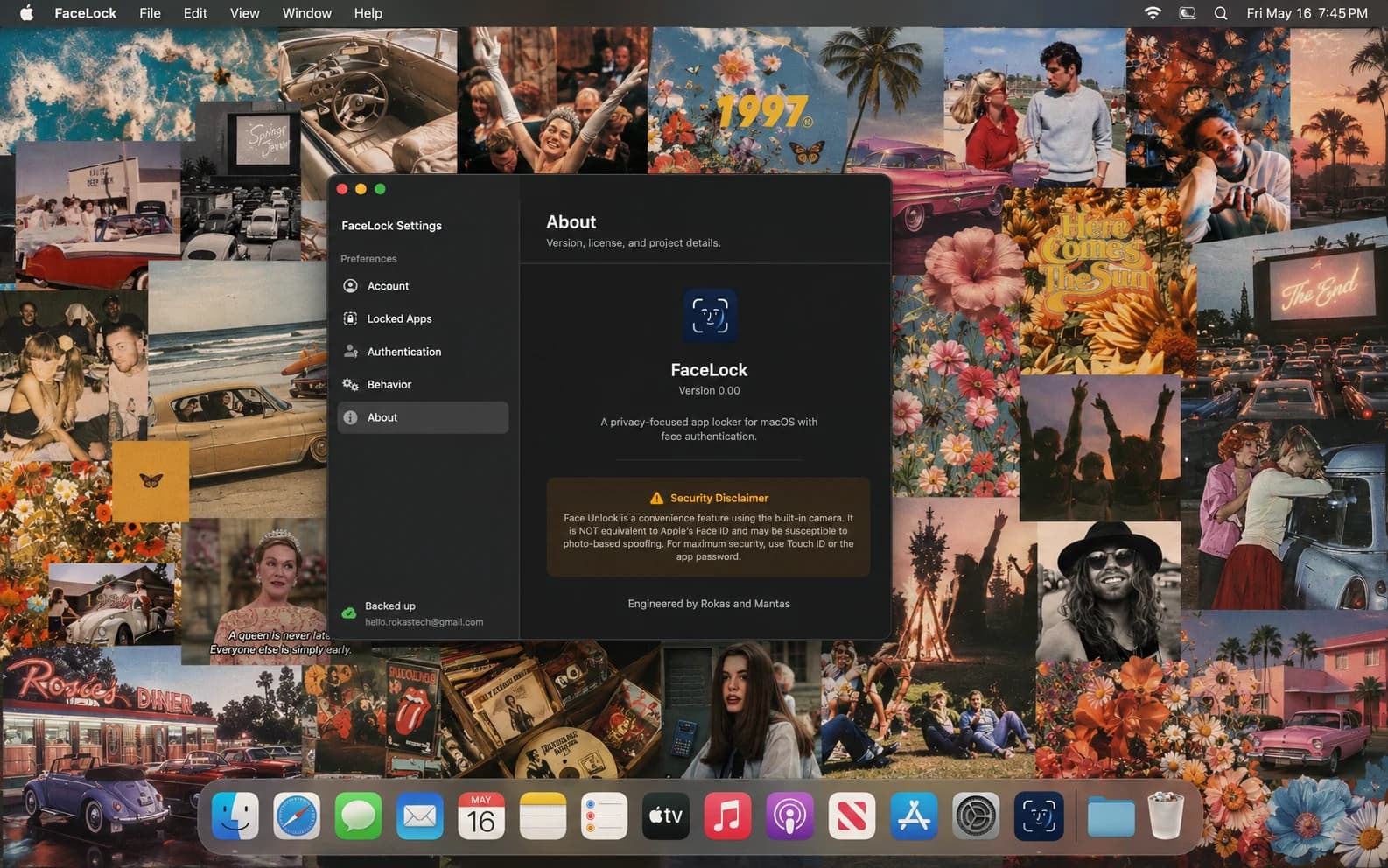
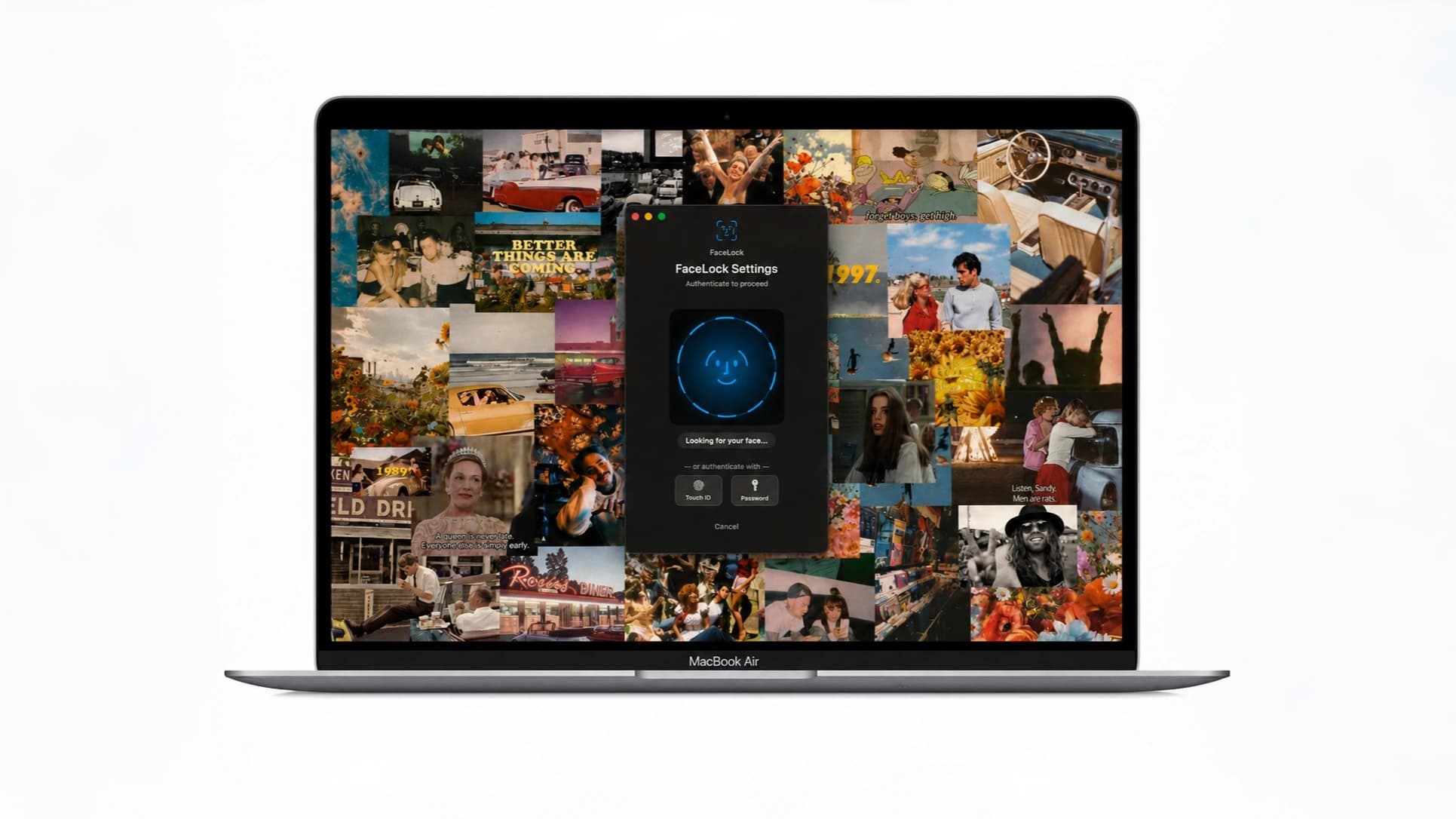
pick the apps you want private, messages, notes, photos, your banking app, and they open only when facelock sees your face.
no passwords to fumble. facelock leans on native face id and windows hello, so one glance and you're right back in.
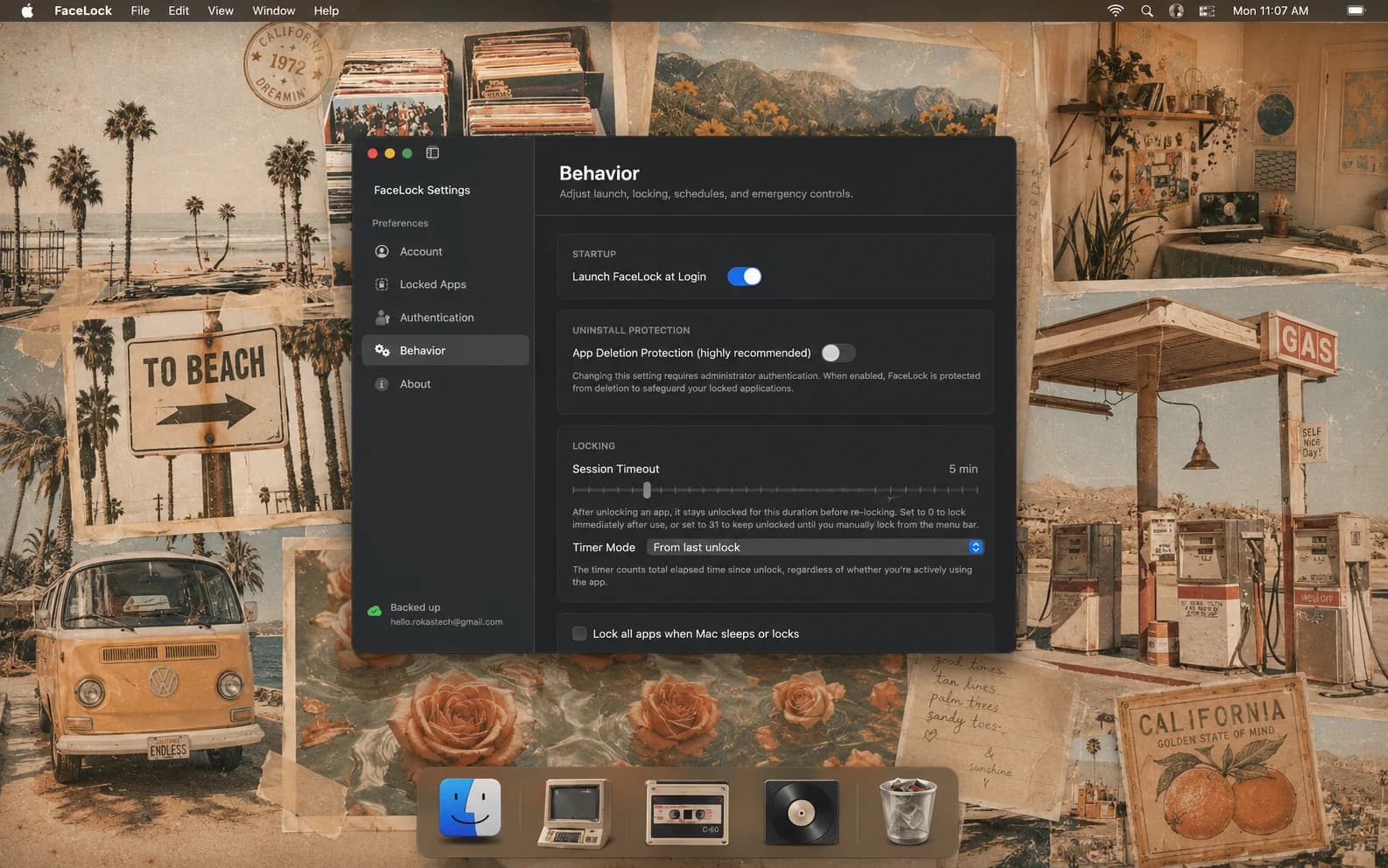
set quiet hours so your apps auto-lock on their own, and rest easy, your face never leaves your device and nothing is uploaded.



your apps are yours. the things you keep in messages, notes, and your banking app should not be one careless glance away.
we just believe privacy should feel effortless.
so we built facelock to sit quietly in your menu bar andlock the apps that matter behind your own face.
your face never leaves your device. nothing is uploaded, nothing is stored on a server, ever.
it's early! try it out today and lmk what you think.|

i share this laptop with my kids. locking just photos and messages behind my face is exactly what i wanted.
 144
144 2.7K
2.7Kplease make it lock steam so my kid stops touching it. seriously though, it took two minutes to set up.
4154witchcraft. it just works with your actual face.
14been hiding folders manually for years. this is the actual fix.
151my new favourite way to lock down work apps. simple and fast.
19526love that my face data never leaves the machine. this is how privacy tools should work.
28one payment locks every sensitive app on both my mac and my pc.
4102locking my banking app right now. this looks great.
38can we get this on windows too, my roommate keeps opening my messages.
30no subscription. just pick how many devices you need.


what to know about facelock, privacy, and getting started.
a menu-bar and tray app that locks individual apps behind your face. pick any app, and facelock will ask for face id (on mac) or windows hello (on windows) before it opens.
 1 device